
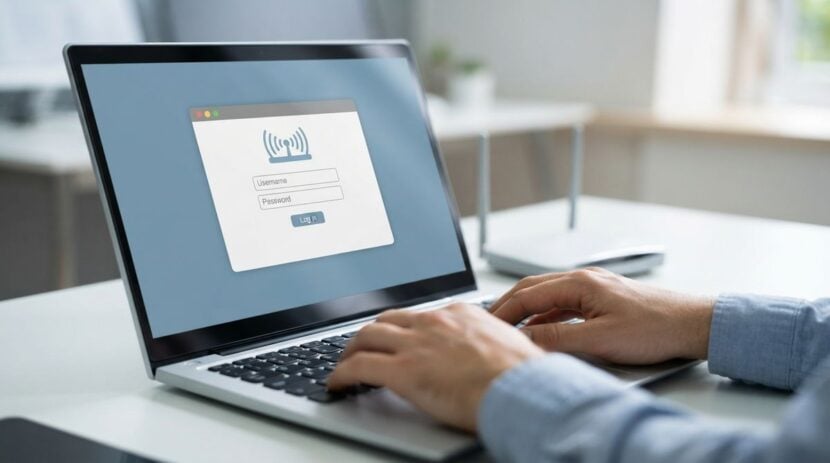
A remote house may feel private, but its internet connection is still open to the wider world. Neighbors who share a broadband tower, visitors who connect to the guest network, and automated scanners that search for weak devices can all reach a poorly configured home network. Because repair help may be an hour away, a compromised router, camera, or computer can be harder to fix quickly. This article explains common mistakes that people make when they set up and maintain home networks in rural areas, and it offers practical habits to reduce the risk. It is general information only, so review the instructions for your own equipment.
Change the default settings first
Many routers and cameras arrive with a default administrator password that is printed on a sticker or listed in the manual. Anyone who knows the model can find that password online, which is why changing it is one of the most important steps. Choose a long passphrase that you can store in a password manager or write on a card kept in a secure place. Change the network name if it reveals personal information, and turn off features you do not use, such as remote management, unless you have a clear reason to keep them.
Update the firmware on each device when the manufacturer releases a fix. Turn on automatic updates if the device offers them, and check the settings occasionally, because some older equipment stops receiving updates and may need replacing.
Useful habits to start this week include:
- Change the administrator password on the router and each camera
- Turn off remote management unless you need it
- Rename the network without personal details
- Confirm that automatic updates are switched on
- Record the router settings in a safe place
Separate guest and smart devices
One common mistake is letting every device share the same network. A guest phone, a smart thermostat, a security camera, and a family laptop should not all have equal access to files and printers. If your router supports a guest network, use it for visitors and for devices that do not need access to your files. Some households also place internet-connected appliances on a separate network so that a weakness in one device cannot easily reach the rest. Ask your equipment provider how to set this up, and document the steps so you can repeat them after a reset. Readers may also want to visit Colourpop.
Keep the router secure and visible
Physical security matters too, especially at a home where equipment sits in an outbuilding or an unlocked room. Keep the router in a dry, ventilated place where it cannot be knocked over or tampered with. Avoid leaving the administration page open on a shared computer, and log out when you finish changes. Many people are surprised to learn that a home router can be reset by someone with access to the device, which is why a locked closet can be a good idea if your home has frequent visitors.
Make a simple record of the router’s settings, including the network name, the guest network details, and the date of the last firmware update. Keep the record in a safe place away from the equipment. If you ever need to reset the router, the record will save hours of frustration.
Watch for signs of trouble
Warning signs include unfamiliar devices in the connected list, slow connections that cannot be explained by weather or usage, unexpected login messages, and cameras that show activity when no one is home. When you see something unusual, do not ignore it. Change the passwords, disconnect unknown devices, and restart the router. If the problem continues, ask a qualified technician for help. You can also visit topsmnews.com for more reading.
Avoid downloading software from unknown sources or clicking links in messages that seem urgent. Scams often target rural households with messages about lost packages or account problems, so verify any request by contacting the company through a number you already trust.
Building simple habits
A secure home network depends on routine rather than one large effort. Check the connected device list each month, update firmware when prompted, and review the guest network settings every season. Store passwords in a secure manager or printed card, and keep a copy of the router settings in a place you can find quickly. Many rural households also find it useful to share the basics with family members who visit, so everyone knows which device is for guests and which is for the household. For a related read on this site, see Organizing Digital Family Photos Without Losing Anything.
A remote house deserves the same network care as a city apartment, sometimes more, because help may be far away. Change default settings, separate devices by purpose, protect the equipment physically, and watch for warning signs. Keep records and build routines that take only minutes each month. A few sensible habits will protect your privacy, your files, and your peace of mind.